Setup & installation
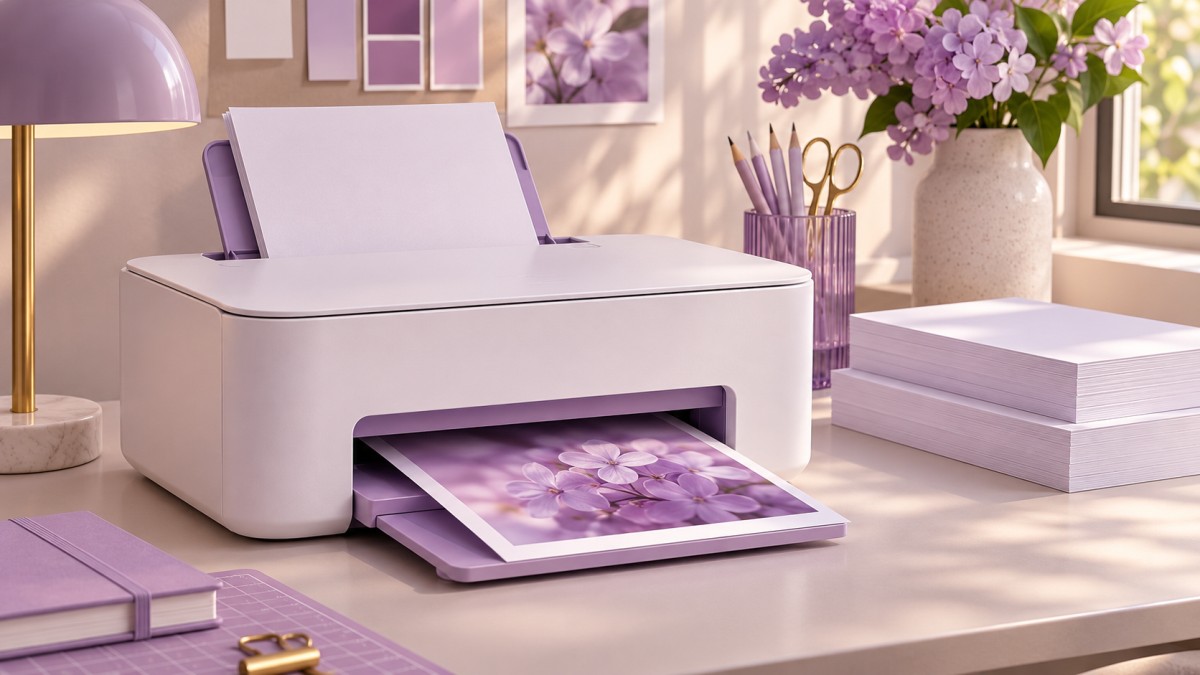
Set up a new printer, add it to your devices, and run a test print.

OUR SERVICES
Get practical help for home and office printers, from first-time installation to connection errors and poor print quality.
Set up a new printer, add it to your devices, and run a test print.
Reconnect a printer to Wi-Fi or make it available to devices on a shared network.
Work through offline errors, paper jams, and print jobs stuck in the queue.
Get guidance on routine cleaning, paper feed problems, and consumables.
Find the right driver or reconnect a printer after a system update.
Adjust settings for clearer output and get help scanning from your device.
KEEP PRINTING
Get from unboxing to a successful test page.
Learn what to check when feed or quality problems recur.
Troubleshoot streaks, faded output, and incorrect paper settings.
Talk through a specific error with printer support.
QUICK START
TROUBLESHOOTING
Select a topic to open live chat.
Printvexora provides independent technical assistance and is not affiliated with printer manufacturers.
HERE TO HELP